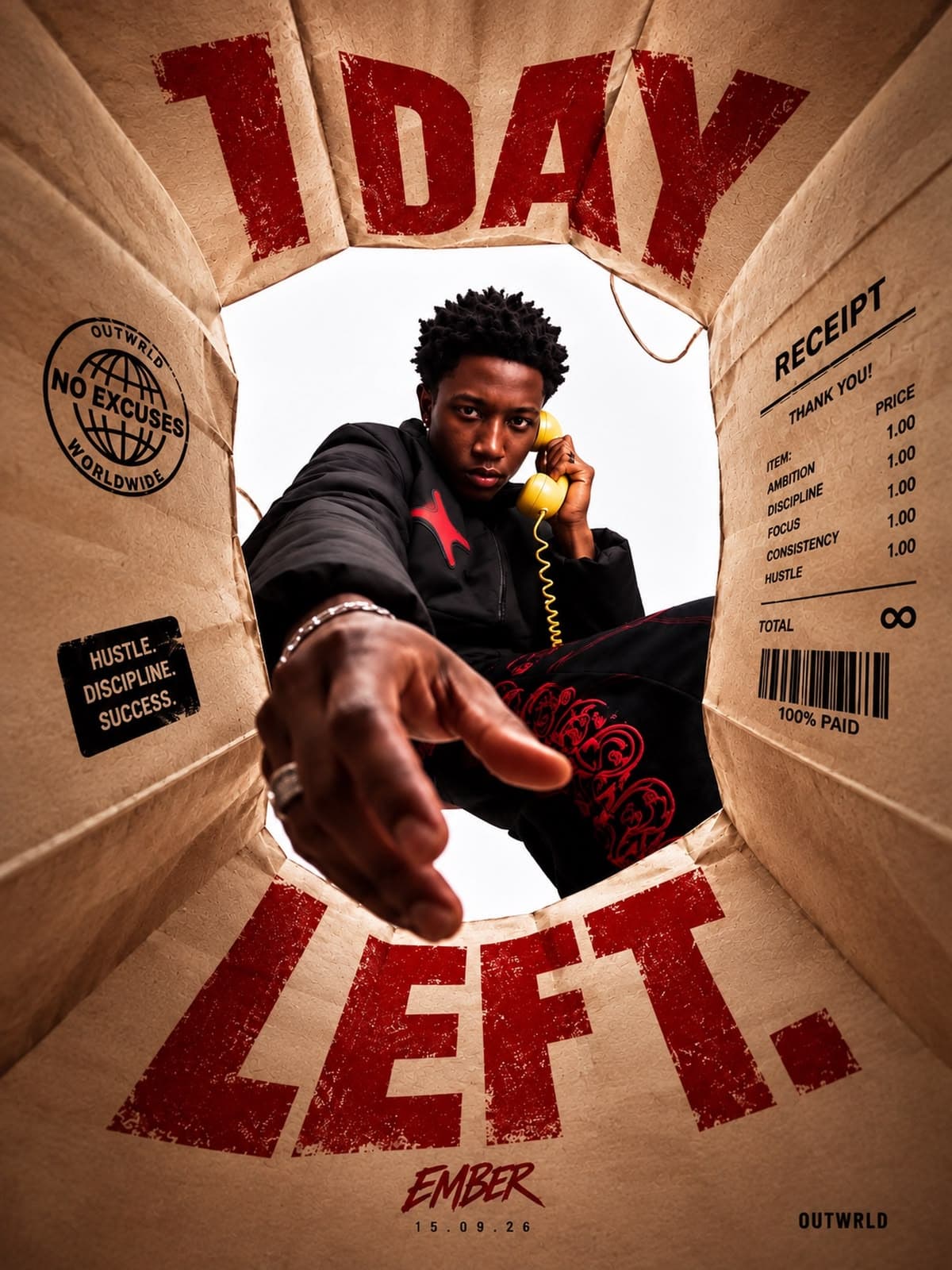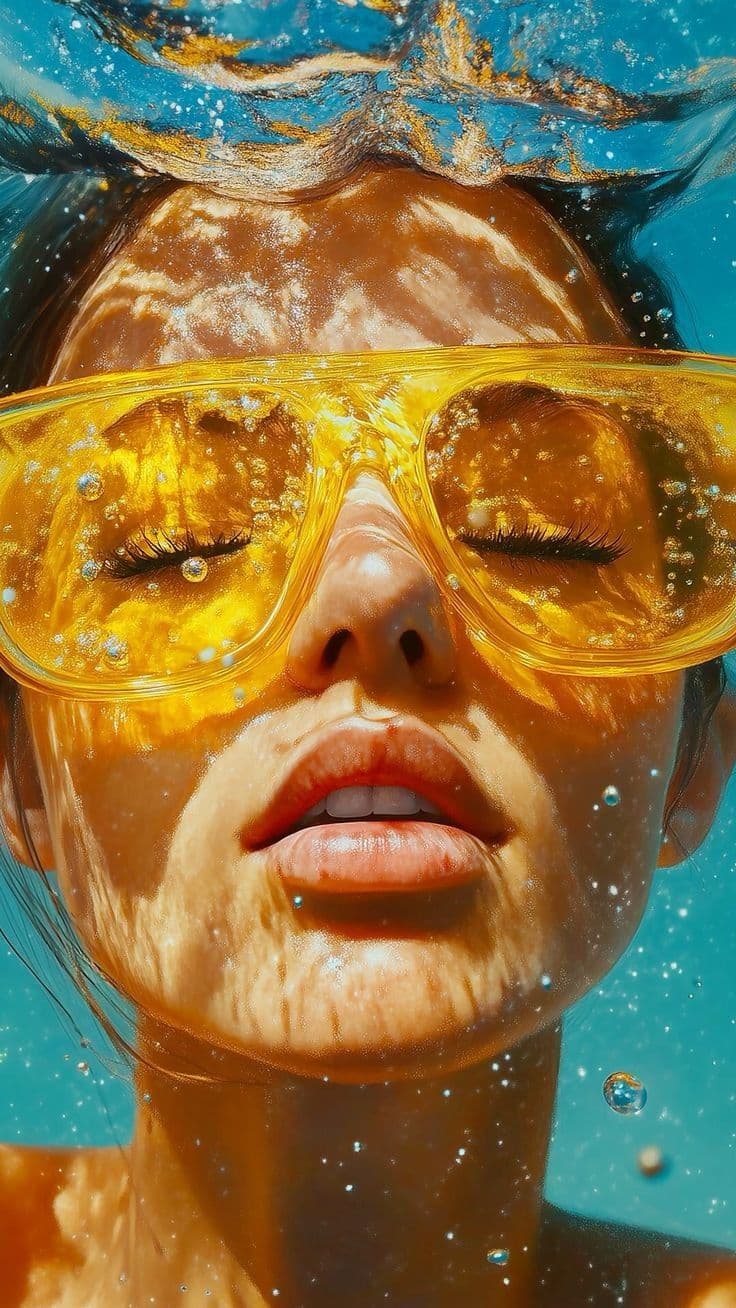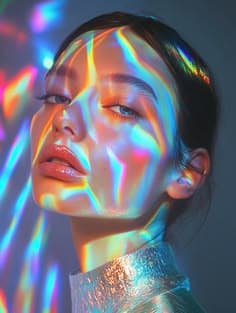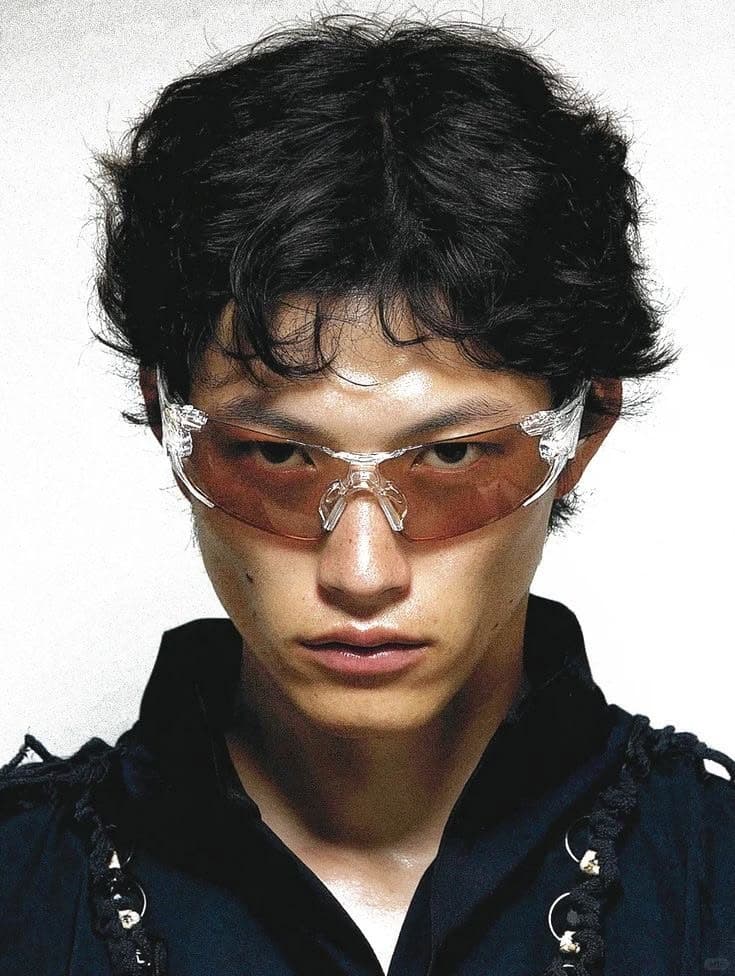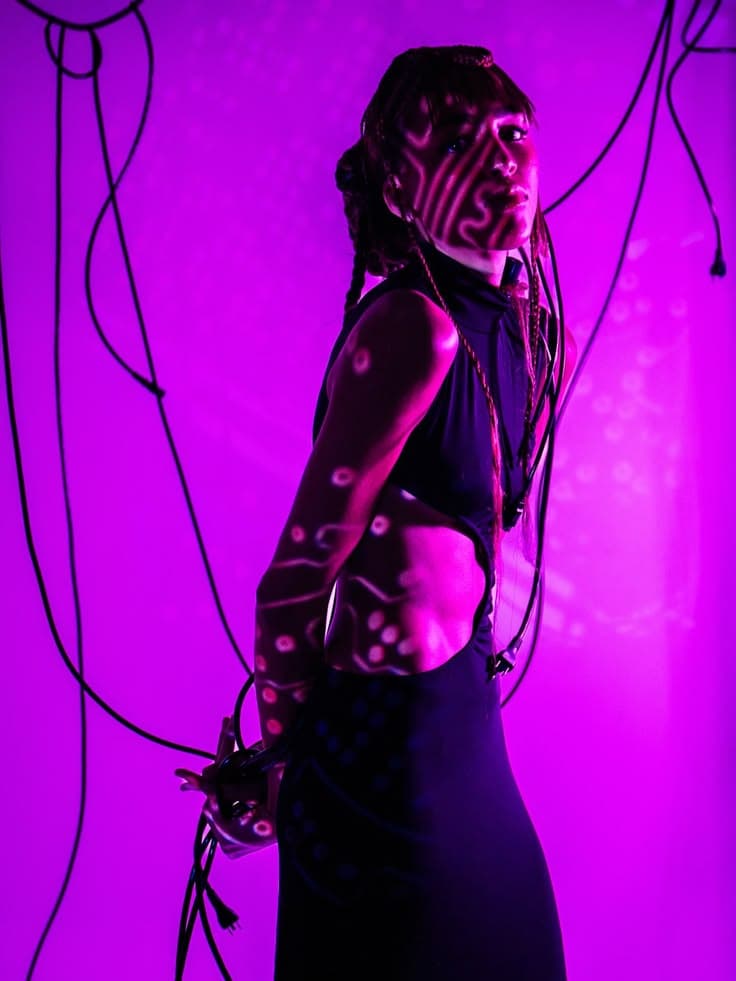
Liquid Chrome Sovereign
Prompt Formula (Tap to Select)
Liquid-chrome sculpture of a futuristic sovereign, volumetric studio rim lighting, obsidian backdrop, 85mm f/1.4 macro lens, octane render --ar 3:4 --v 6.1 --stylize 300Pick a reference image from our catalog. Select the tested prompt text below it, paste that string into Midjourney v6.1, Flux.1 Pro, DALL-E 3, or Stable Diffusion XL, and generate matching studio visuals.
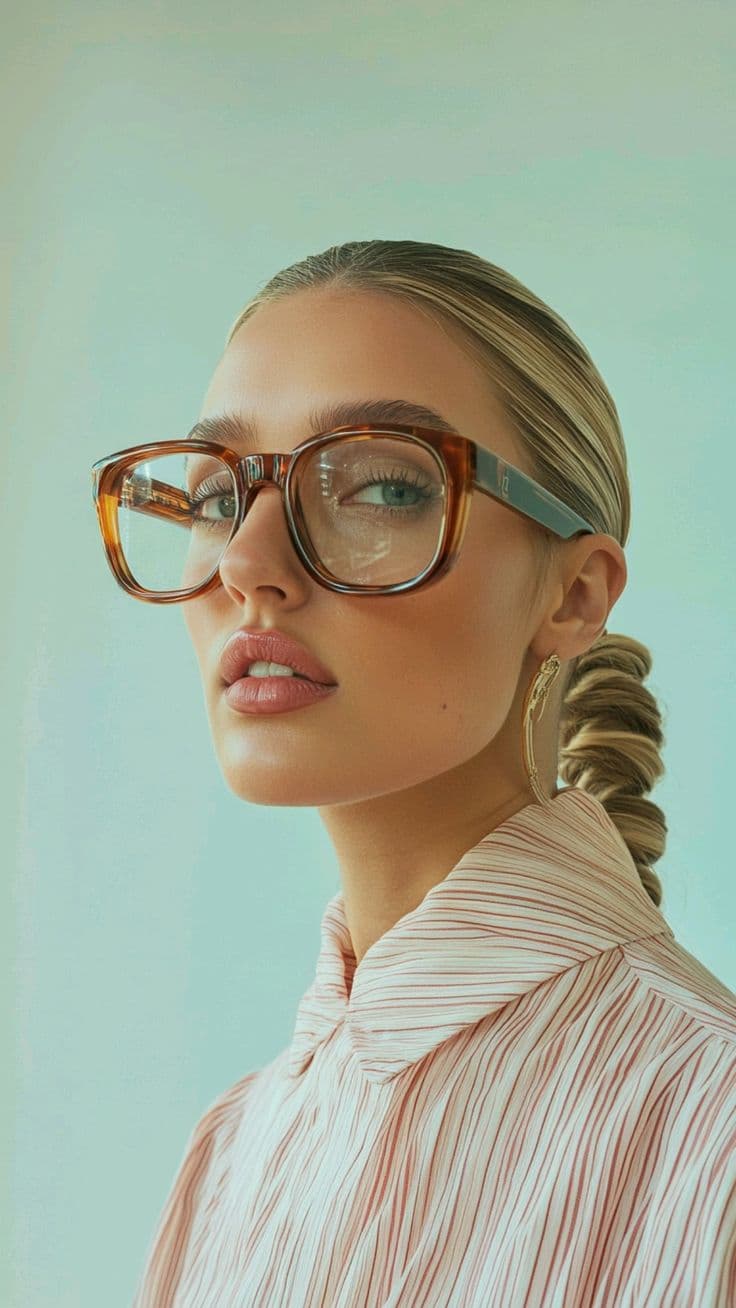
Tap any prompt block below to highlight the full string on phone or desktop.

Prompt Formula (Tap to Select)
Liquid-chrome sculpture of a futuristic sovereign, volumetric studio rim lighting, obsidian backdrop, 85mm f/1.4 macro lens, octane render --ar 3:4 --v 6.1 --stylize 300
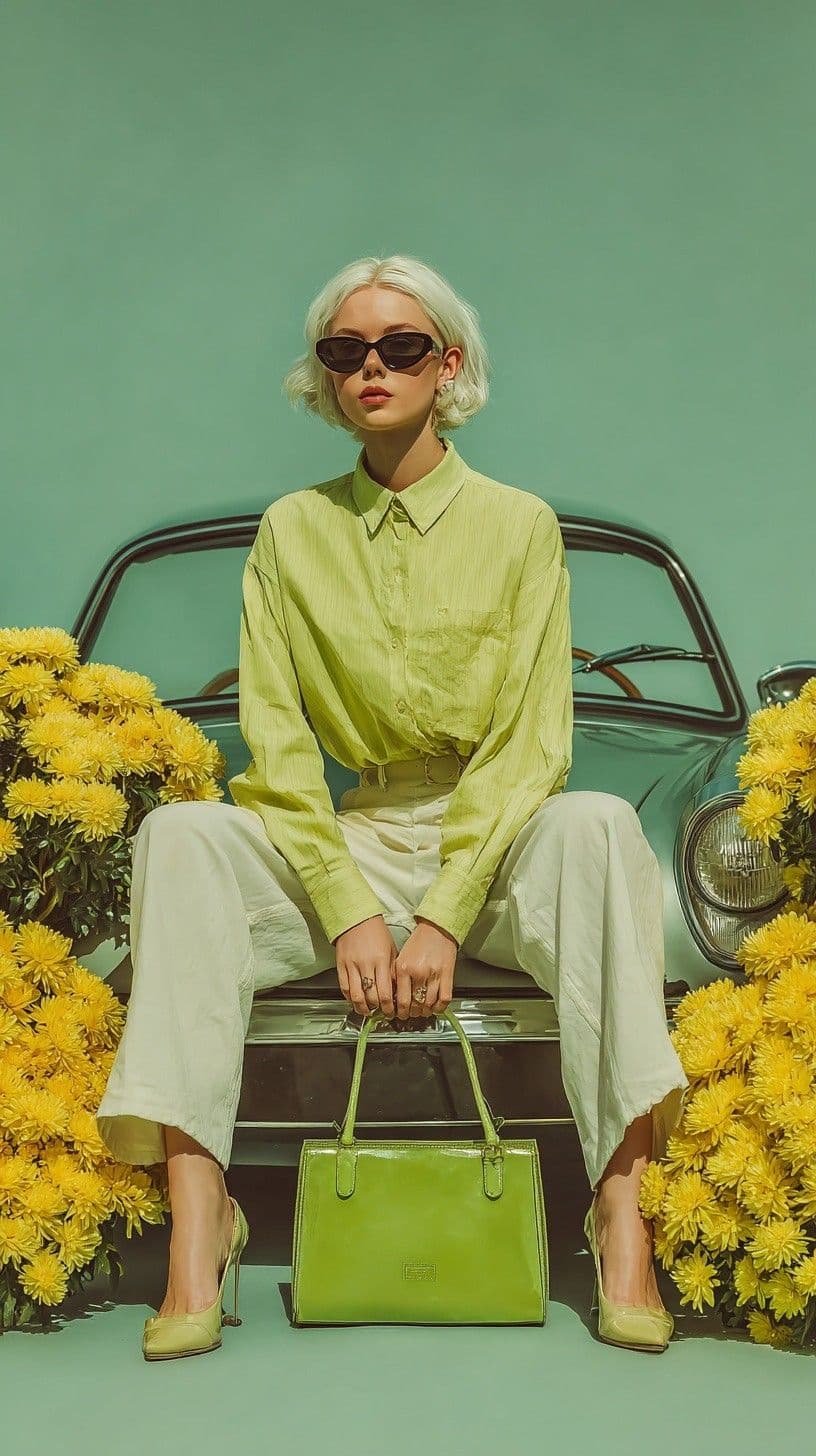
Prompt Formula (Tap to Select)
Editorial fashion silhouette standing in a brutalist concrete hall, chiaroscuro sunlight beams, Kodak Portra 400 film grain, 50mm f/1.2 prime lens
Prompt Formula (Tap to Select)
Glass cathedral suspended inside a cavern, glowing cyan flora, atmospheric mist, 24mm wide-angle lens, architectural photography --ar 16:9 --v 6.1Catalog Architecture
You skip trial-and-error token guessing. Pick a visual style, read the camera and lighting breakdown, and copy the tested string.
You tap any prompt box to highlight the full text string on mobile or desktop. Copy the syntax and paste it into your generator without editing.
Subject + Optics + Engine Flags
Our editors write prompts with concrete photography terms. You get focal lengths like 85mm f/1.4, key light angles, and film stocks like Kodak Portra 400.
35mm, 50mm, 85mm Macro, Octane
We test prompts on Midjourney v6.1, Flux.1 Pro, DALL-E 3, and Stable Diffusion XL. You see the target model and aspect ratio before you copy.
Midjourney, Flux, DALL-E 3, SDXL
You save reference artworks to your bookmark list while browsing. Open your saved board during client projects to reuse lighting and color setups.
Browser & Account Sync
Three-Step Workflow
Our editors structure each prompt in three modular parts: subject, camera optics, and model parameters.
You scan the gallery by visual style, lighting setup, or target AI engine until you spot a composition that fits your brief.
You tap the prompt block to highlight the full text string, including camera focal length, film grain, and aspect ratio flags.
You paste the string into Midjourney, Flux, DALL-E 3, or SDXL. Keep our subject or replace the first clause with your own product or character.
Tap any code box below to highlight the full prompt string for copying.

Tap prompt to select all
Futuristic bust sculpted from liquid obsidian and chrome, volumetric rim lighting, 85mm f/1.4 macro lens, octane render --ar 3:4 --v 6.1 --stylize 350
Tap prompt to select all
Monolithic concrete atrium with suspended glass walkways, sunbeams cutting through morning mist, Leica SL2-S 24mm lens, 8k resolution, natural architectural color grade
Tap prompt to select all
Fashion model wearing a sculpted crimson velvet coat, chiaroscuro studio key light, Kodak Portra 800 film grain --ar 4:5 --v 6.1 --style raw
Tap prompt to select all
Victorian glass terrarium holding glowing cyan orchids, dark botanical desk, macro depth of field, glass caustics, studio lighting, detailed 3D renderEditorial Verification
We verify each prompt against its generated artwork before adding it to the public index.
Designers, art directors, and 3D artists use our catalog for studio moodboards.
We test prompts on Midjourney v6.1, Flux.1 Pro, DALL-E 3, and Stable Diffusion XL.
Our editors generate and inspect the reference image before publishing any entry.
You browse images, copy prompt formulas, and save bookmarks without paywalls.
Our editors write prompts using physical camera parameters. You get exact lens focal lengths, aperture stops, film stocks, and studio key light positions.
We record the generator version, aspect ratio flag, and stylize weight used for the reference image so your output matches the target look.
“PixPrompt cut our concepting time in half. We pick a reference lighting setup, copy the prompt string, and build client pitch boards in ten minutes.”
“Having the 85mm lens token, film stock, and rim light angle dialed in saves hours. The prompts run clean in Flux.1 Pro on the first pass.”
Common Questions
Review how our prompt formulas work across image generators or read our full policy documentation.
Yes. You select the prompt text beneath any artwork, copy it to your clipboard, and paste it into Midjourney v6.1, Flux.1 Pro, DALL-E 3, or Stable Diffusion XL.
Midjourney entries include aspect ratio (--ar), version (--v 6.1), and stylize (--stylize) parameters at the end of the string. If you use Flux or DALL-E 3, you omit those trailing flags and keep the descriptive camera and lighting clauses.
AI generators assign a new random seed on each run. You get the same lighting setup, camera focal length, color palette, and material texture on a fresh composition.
Yes. Our editors place the subject in the first clause of the prompt, followed by camera optics and lighting tokens. Swap the opening noun phrase with your own subject to keep the studio look.
No. You browse the full catalog, copy prompt strings, and save reference bookmarks at zero cost.
You can use any prompt text from PixPrompt in commercial projects. Your commercial rights to the final rendered image follow the terms of your Midjourney, Flux, or OpenAI account.
Open the Prompt Directory
Browse curated AI visuals across portraiture, brutalist architecture, 3D chrome, and sci-fi concept art. Select any prompt string and run it in your generator.